
Choose around the material and the job
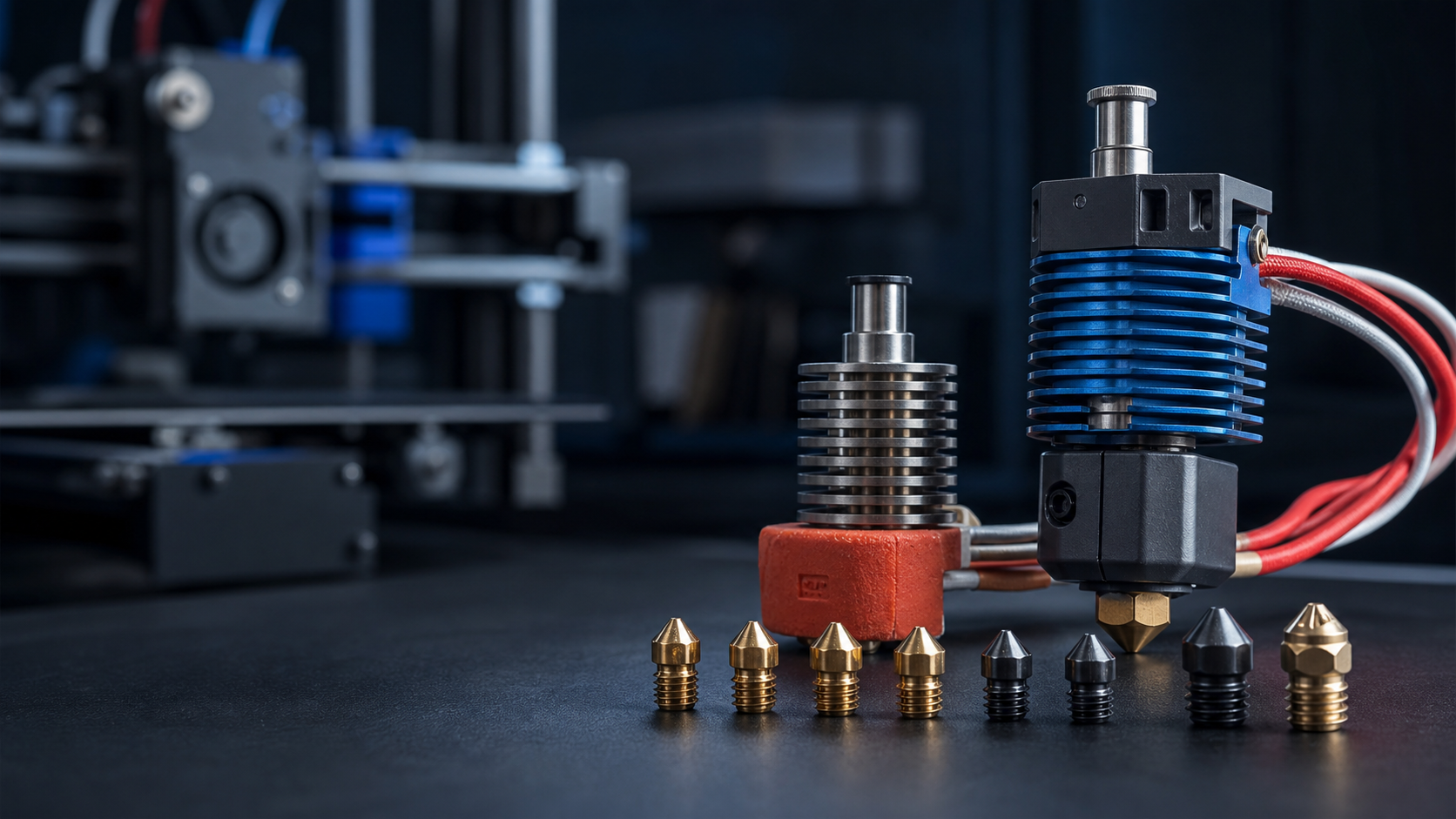
Nozzle choice is a balance between detail, print time, material and the hotend’s ability to melt filament consistently. A larger nozzle is not automatically a high-flow system, and a hardened nozzle is not automatically the best choice for every material.
- 0.25 mm: fine detail, slower printing and greater sensitivity to contamination.
- 0.40 mm: the general-purpose baseline for most printers.
- 0.60 mm: faster functional printing with good strength and a lower blockage risk for many filled materials.
- 0.80 mm and above: large parts and thick layers, provided the heater and melt zone can maintain the requested flow.
Brass, wear-resistant or high flow?
Brass provides excellent heat transfer and is appropriate for ordinary PLA, PETG and similar unfilled materials. Abrasive carbon-filled, glass-filled, glow and some composite filaments need a wear-resistant nozzle. Always check the filament manufacturer’s minimum nozzle size because particles can approach the size of smaller nozzle openings.
E3D’s Revo ObXidian range combines a tool-steel insert with a low-surface-energy coating, while Revo High Flow designs use an internal geometry intended to improve heat transfer. High flow only helps when the rest of the printer—extruder, cooling, motion settings and part geometry—can use it. See E3D’s official ObXidian information and official Revo High Flow range.
Revo and V6 use different servicing methods
Revo nozzles are designed to be changed by hand when the assembly is cool. E3D’s product-specific guidance instructs users to cool the assembly below 50°C before changing a used Revo nozzle; hot-tightening is not required. Never use tools to force a Revo nozzle into place.
A conventional V6 nozzle seals against the heatbreak inside the heater block. It must not simply be tightened against the block. The correct hot-tightening temperature and torque depend on the nozzle and block material, so follow the relevant E3D datasheet. E3D’s official V6 nozzle guide describes the hot-tightening process.
Checks after any hotend change
- Confirm heater voltage, power rating and temperature-sensor type before applying heat.
- Inspect strain relief and ensure heater and sensor wires cannot rub on the frame.
- Verify that the heatsink fan runs in the correct direction whenever required.
- Set the correct sensor in firmware and check that room-temperature readings are plausible.
- Run the firmware’s recommended heater or PID tuning procedure.
- Reset nozzle-to-bed and probe offsets before the first print.
- Start with a conservative volumetric-flow limit and validate extrusion before increasing it.
Symptoms that point beyond the nozzle
Repeated blockages can come from inadequate heatsink cooling, an incorrectly seated PTFE tube, excessive retraction, damaged filament, temperature-sensor configuration or poor extruder control. E3D lists these wider causes in its official V6 support material. Replacing nozzles repeatedly without checking the complete filament and thermal path is rarely economical.
Stop when electrical or thermal readings are uncertain
Do not heat a cartridge with an unexpected resistance reading, a damaged lead or an unidentified voltage. A temperature that jumps, falls unexpectedly or rises while the heater is off requires immediate isolation and diagnosis. Uni3Dverse can test the hotend, wiring and controller together and advise whether repair or conversion is the safer route.