
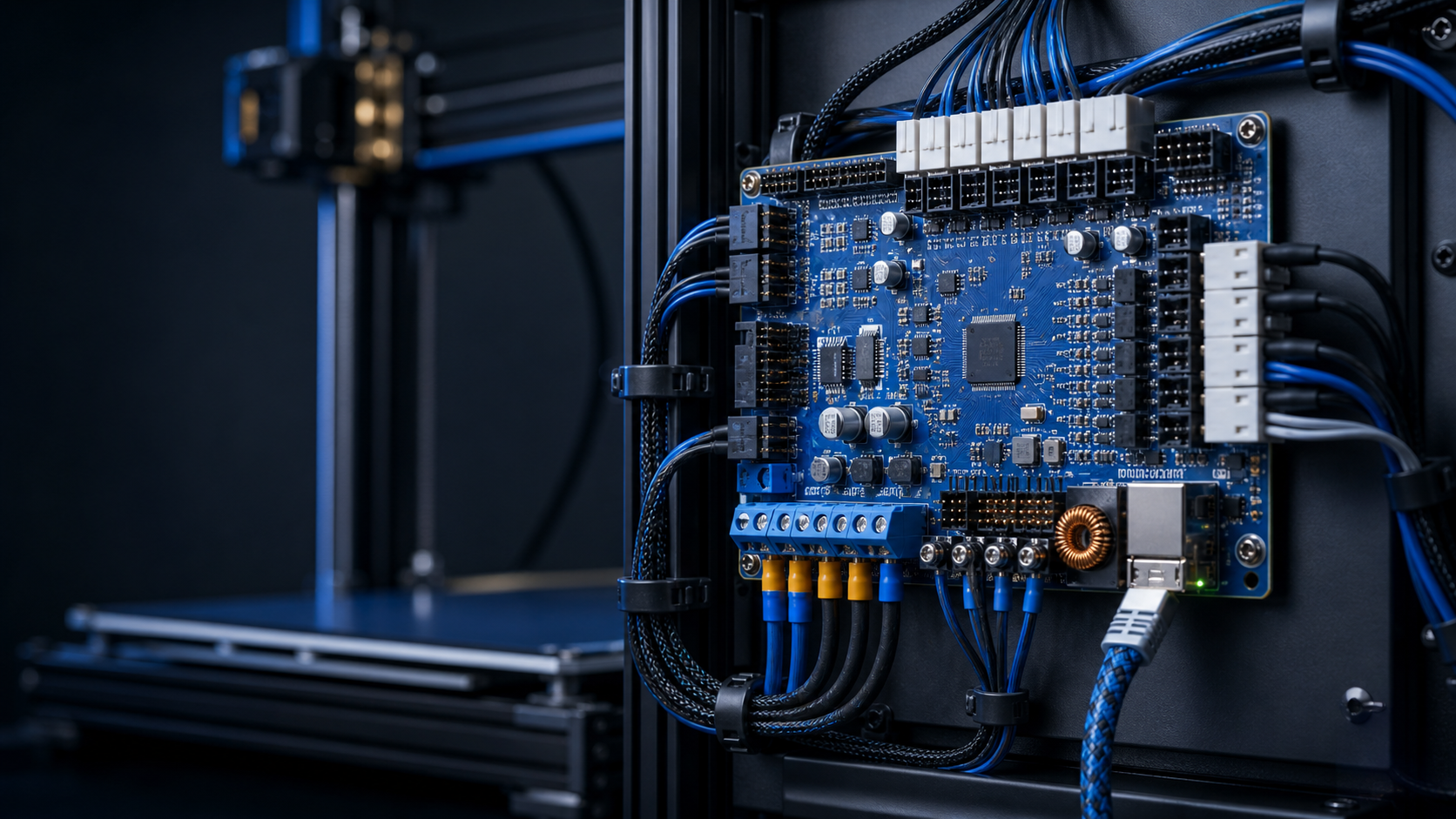
A controller conversion is a machine-level project
A Duet3D conversion is more than swapping one board for another. The new controller must be matched to the printer’s supply voltage, heaters, motors, sensors, fans, endstops, probe, display and intended expansion. The firmware configuration must then describe the real mechanics and electrical limits of that machine.
Record the existing machine before disconnecting it
- Printer model, revision and kinematics.
- Power-supply voltage and rated output.
- Heater voltage, power and measured resistance.
- Temperature-sensor type for every heater.
- Motor type, rated current, wiring pairs and mechanical steps per revolution.
- Belt pitch, pulley tooth count, leadscrew pitch and gearing.
- Endstop logic, probe type, fan voltage and whether each fan is switched or always on.
- Current offsets, bed size, travel limits and homing direction.
Photograph every connection and label both ends of every wire. Duet3D’s official adapting-an-existing-printer guide explains why this mechanical and electrical information is required.
Choose the board around actual I/O and power needs
Count motors, heaters, fans, sensors, probes and expansion requirements rather than choosing only by processor specification. Confirm the input-voltage range for the exact board revision. Duet3D publishes board-specific hardware overviews and a power-supply selection guide; the permitted voltage is not identical across every Duet model.
Allow spare outputs for likely toolboards, extra axes or chamber control, but avoid unnecessary complexity. Decide early whether the machine will operate in standalone mode or with a single-board computer because the installation and update procedures differ.
Power wiring is safety-critical
Isolate the printer from mains power before wiring. Use the supplied crimped terminals or correctly crimped ferrules and connectors for the exact terminal type. Do not tin bare wire ends that will be held by screw terminals: solder can creep over time, loosen the connection and create a hot spot.
Keep heater and motor power wiring appropriately sized, protected and strain-relieved. Check polarity before applying power. Duet3D’s official Duet 3 wiring guide includes model diagrams and explicit fire-safety guidance.
Build the firmware configuration methodically
The RepRapFirmware Configuration Tool can produce a structured starting configuration for the selected board and machine. Use the latest stable firmware recommended by Duet3D, not beta or release-candidate firmware on a customer machine unless there is a documented reason.
- Select the exact mainboard and firmware branch.
- Enter mechanics and axis values from measured or manufacturer data.
- Configure endstops, probe and homing without assuming the previous firmware’s logic.
- Define heaters, sensor types and safe temperature limits.
- Configure fans and tools, then review every generated file before upload.
- Back up the generated configuration and the known-good configuration after commissioning.
Follow Duet3D’s official configuration guide for the complete sequence.
Commission one subsystem at a time
With heaters disabled, confirm board power, communications, endstop states and motor directions using small movements away from mechanical limits. Then verify that every temperature sensor reads plausibly at room temperature. Test one heater at low target temperature while watching the correct sensor response and be ready to isolate power.
After heater tuning, check homing, travel limits, probe behaviour and emergency stop. Only then proceed to extrusion calibration and a low-speed test print. Firmware safety features support a correctly configured machine; they cannot compensate for a wrongly identified sensor or unsafe wiring.
When professional conversion is the sensible route
If heater specifications, sensor types, mains wiring, motor pairs or connector pinouts are uncertain, stop before applying power. Uni3Dverse specialises in Duet3D electronics for repairs and conversions and can document the machine, supply genuine parts and commission the controller as a complete system.