
Start with what you want to make
The best first printer is the one that suits the parts you actually want to produce. Before comparing brands, write down the largest object you expect to print, the materials you need, whether the machine must be enclosed and how much setup you are comfortable doing.
Bed-slinger or CoreXY?
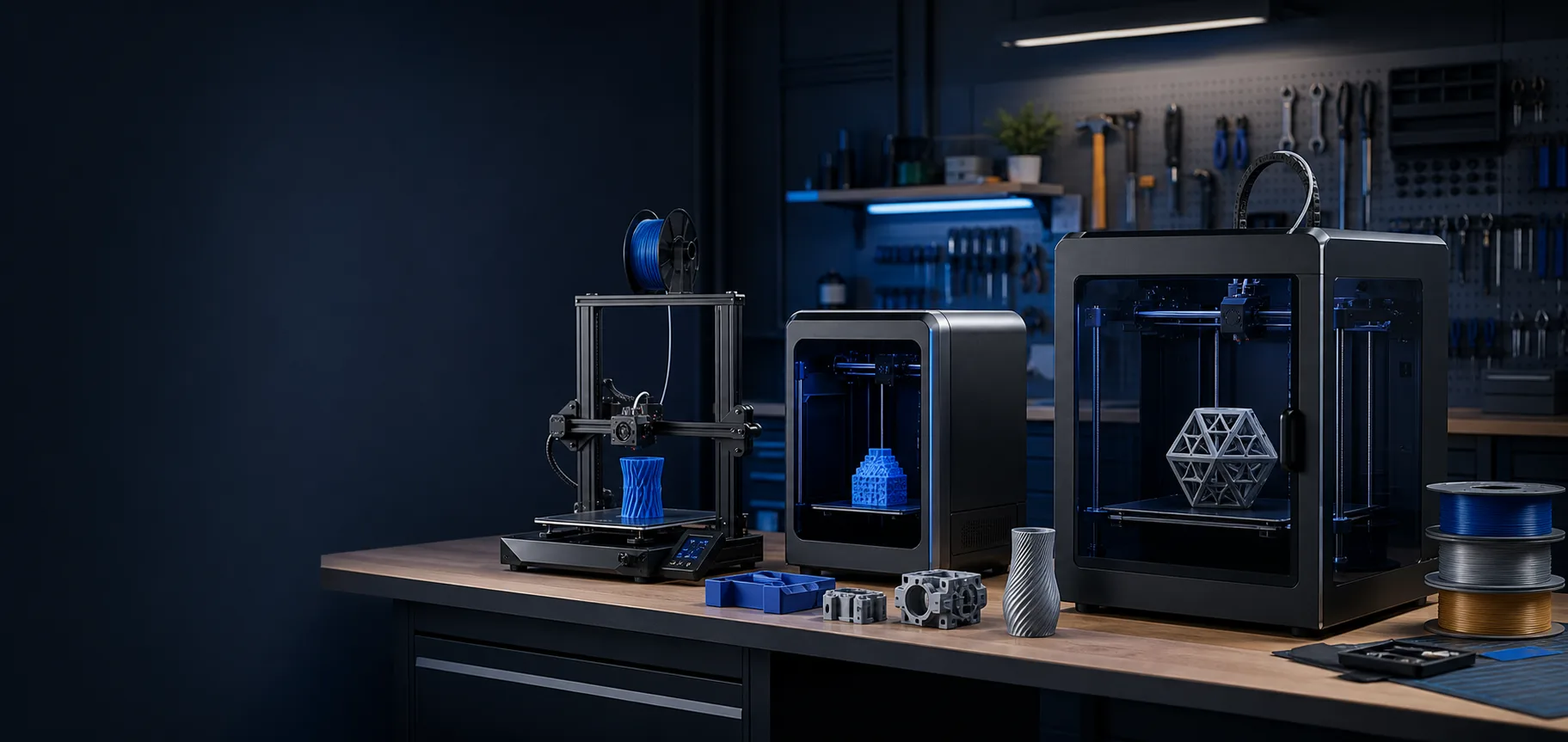
Bed-slinger printers move the build plate backwards and forwards. They are usually accessible, affordable and easy to understand, making them a sensible first machine for PLA, PETG and everyday parts. CoreXY printers move the toolhead in X and Y while the bed normally moves only in Z. They can offer a compact enclosed format and faster motion, but are often more complex and expensive.
Open or enclosed?
An open printer is generally suitable for PLA and PETG. Materials such as ABS and ASA benefit from a controlled enclosure because draughts and uneven cooling can cause warping. An enclosure also changes cooling and electronics temperatures, so choose a printer designed for the material rather than simply putting a cover over any machine.
Choose build volume realistically
A larger build volume increases the printer's footprint, heating time and the consequences of a long failed print. Measure the parts you plan to make. A reliable medium-size machine is often more useful than a very large printer that is difficult to place, heat and maintain.
Single material or multi-material?
Automatic filament systems and tool-changing can add colour, support-material and multi-nozzle options. They also add cost, purge waste and more components to maintain. If most work is functional and single-colour, start with a reliable single-material workflow and add capability when a real project requires it.
Support, spares and documentation matter
Check that nozzles, build surfaces, heaters, sensors, fans and motion parts are obtainable before buying. Good documentation and an active user community can be more valuable than a long feature list. Kit-built platforms such as Voron are designed for users who want to build, configure and maintain the machine themselves; an assembled appliance-style printer is a better fit when printing is more important than machine building.
Consider repairability and future conversions
If you expect to keep and develop the machine, look at how easily its extrusion, hotend and electronics can be serviced. Bondtech extruders, E3D hotends and Duet3D control hardware are especially relevant to repairable, configurable machines because individual subsystems can be diagnosed, replaced or upgraded instead of treating the printer as a sealed appliance.
Think about the complete budget
- Printer, delivery and any enclosure
- Filament suitable for the intended parts
- Spare nozzles and a second build surface
- Basic tools, cleaning materials and storage
- Replacement wear parts and future upgrades
Common first-printer mistakes
Avoid buying on headline speed alone, choosing a huge build volume without a use for it, or assuming every material prints well on every machine. Do not change several slicer and hardware settings at once. Establish a known-good profile, change one variable at a time and keep notes.
Current official resources
Product ranges change regularly. Before ordering, verify specifications and maintenance requirements through the manufacturer's current documentation. See Voron printer selection guidance, Prusa Knowledge Base and Bambu Lab Support.